


Description
Download Exact Duplicate Finder – duplicate finder, file management, Windows tool, duplicate files, file organizer
Overview
Exact Duplicate Finder is a targeted utility designed to help Windows users identify and manage duplicate files efficiently. The application addresses the common challenge of digital clutter, where redundant copies of files—especially photos, documents, and media—accumulate across drives and folders over time. By scanning selected directories, the tool enables users to locate exact duplicates based on file content, not just names, ensuring accurate identification. This functionality is particularly valuable for individuals and professionals managing large digital libraries, such as photographers, students, and office workers who rely on organized storage.
The app is developed by Jason K. Menard, who has focused on creating a lightweight, secure solution for file cleanup. It operates without requiring elevated system permissions, making it accessible to users with varying technical expertise. The default exclusion of system folders ensures that critical operating system files remain untouched during scans, reducing the risk of unintended disruptions. Real-world use cases include freeing up disk space on aging hard drives, organizing personal media collections, and preparing systems for backups or upgrades. As part of the broader productivity software ecosystem, Exact Duplicate Finder fills a niche by offering a focused, no-frills approach to file optimization on Windows platforms.
Key Features & Functionality
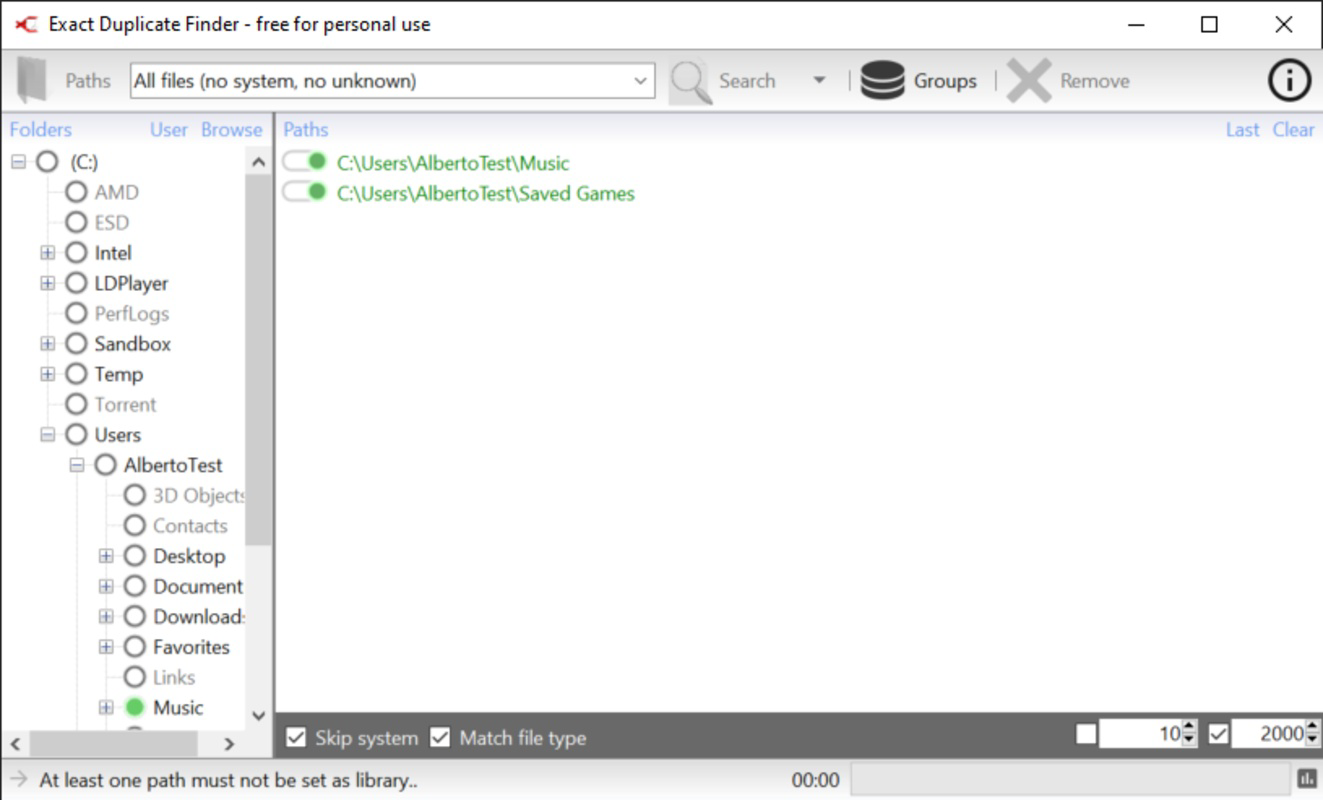
- Easy Folder Scanning: Users can select specific folders to scan with a simple interface. The tool avoids system directories by default, ensuring safe operation without user intervention.
- Custom Search Filters: The app supports filtering by file type, allowing users to target duplicates in categories like photos, videos, audio, and documents, streamlining the cleanup process.
- Exclude Dangerous Files: Certain file types, such as .ini files, are automatically excluded from scans to prevent accidental deletion of system-critical files.
- Custom File Format Lists: Users can create personalized lists of file formats for frequent searches, enabling faster access and repeated use for common cleanup tasks.
- User-Friendly Interface: The layout is clean and intuitive, minimizing the learning curve for new users and allowing quick navigation between scan settings and results.
For example, a photographer might use the custom filter to scan only JPEG and RAW image folders, quickly identifying redundant shots. A student could use the tool to locate duplicate PDFs of lecture notes across multiple drives. The ability to save custom format groups enhances efficiency, especially when performing recurring cleanups. Each feature is designed with safety and usability in mind, balancing automation with user control.
Interface, UX & Performance
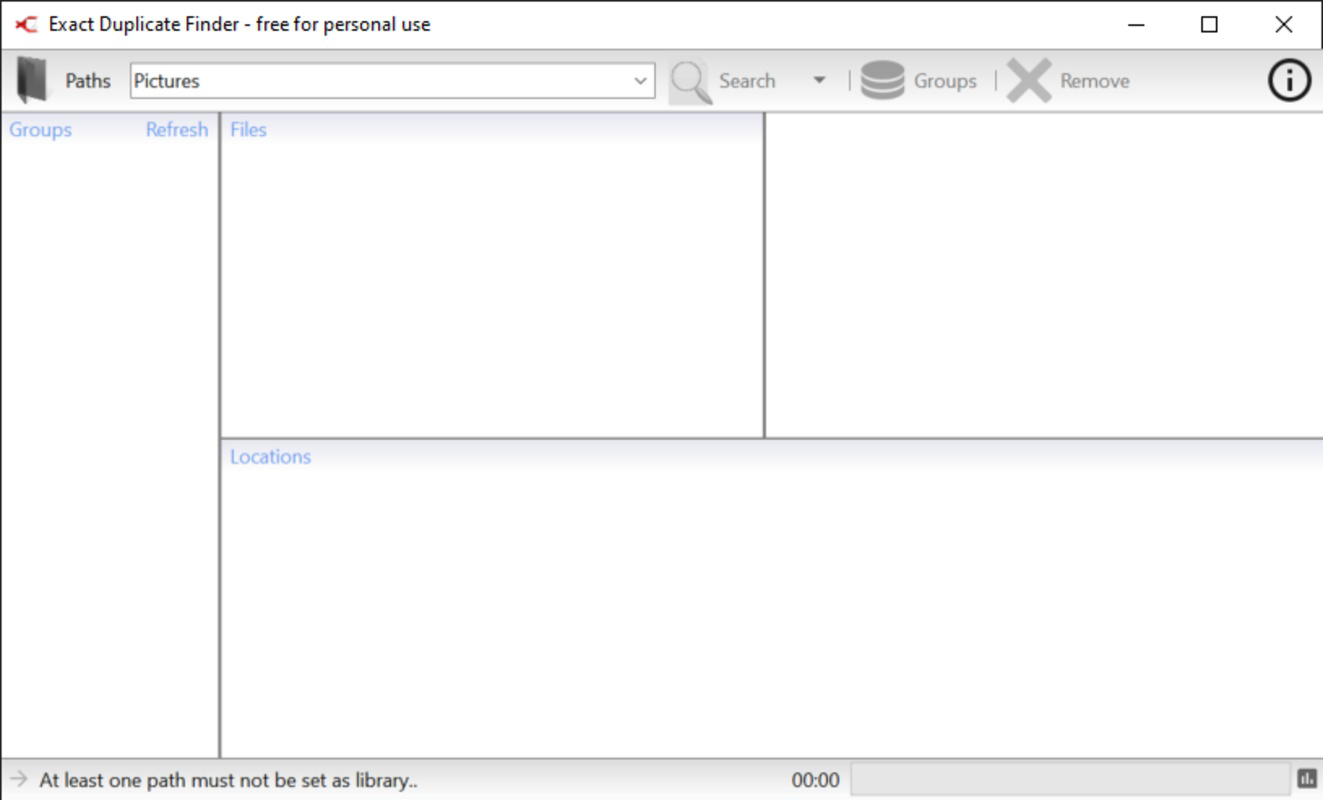
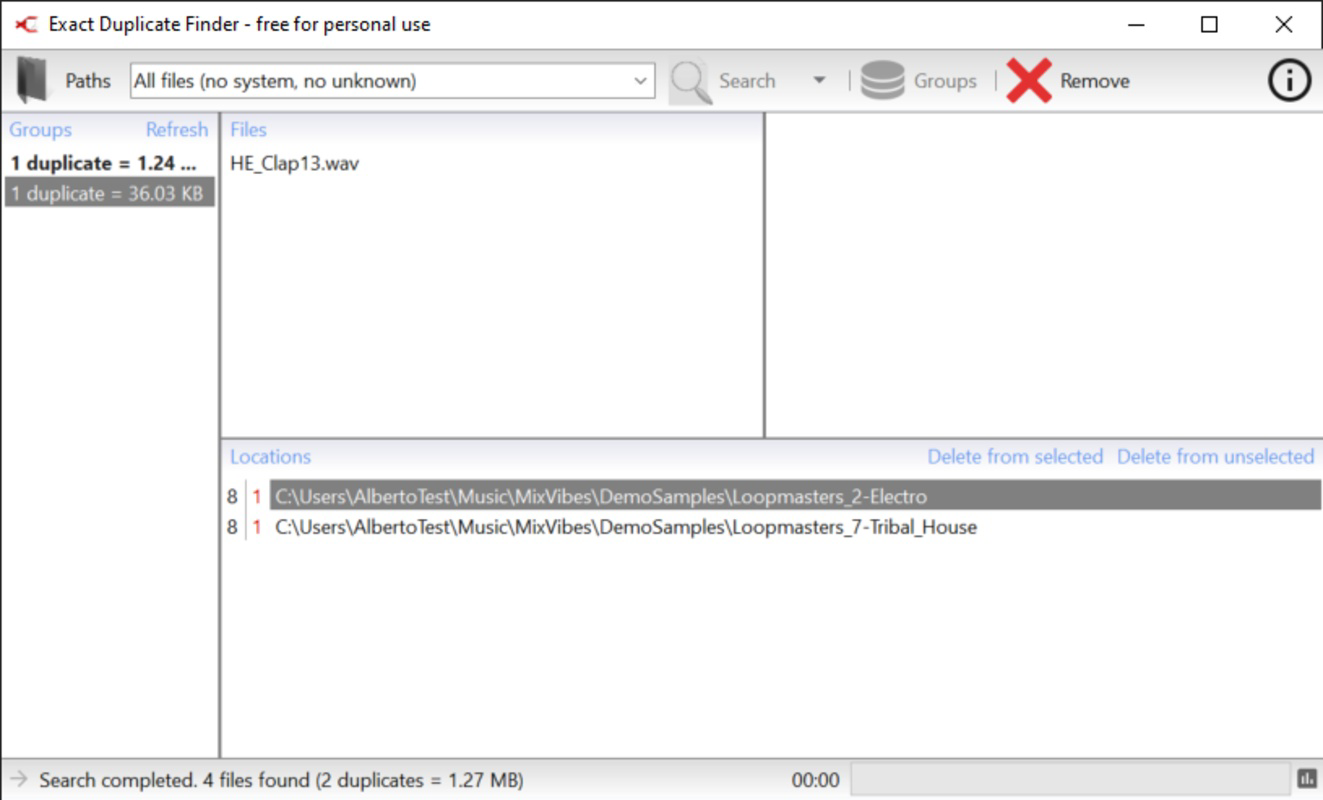
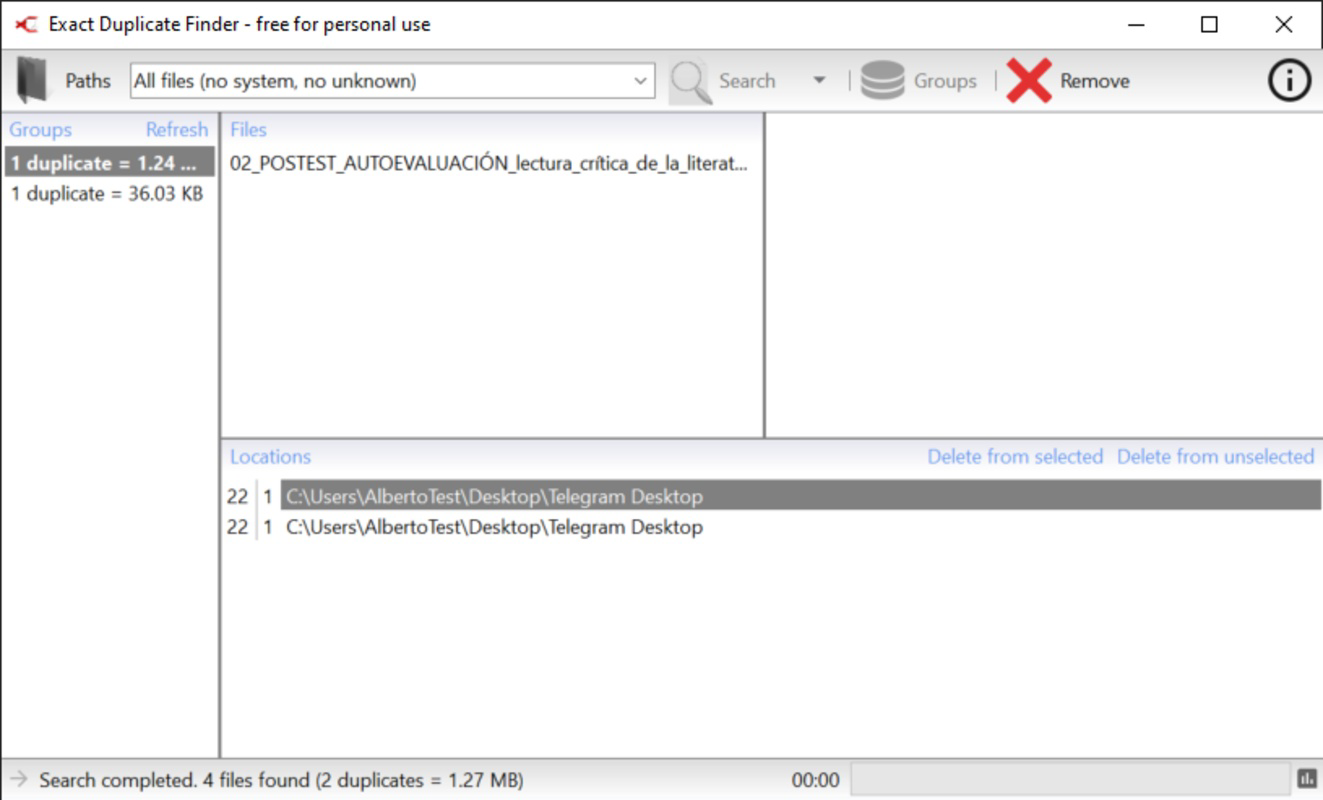
Exact Duplicate Finder features a minimalistic interface that prioritizes clarity and ease of use. The main window presents essential options—folder selection, file type filters, and scan initiation—without overwhelming users with advanced settings. Navigation is linear and consistent, with clearly labeled buttons and progress indicators during scans. The visual design is functional rather than flashy, aligning with its utility-focused purpose.
Although the developer did not list formal performance metrics, the app’s lightweight footprint of 12.5 MB suggests efficient resource usage. It is designed to run in the background without significantly impacting system performance, making it suitable for use on older or low-spec Windows machines. Responsiveness is maintained across different screen sizes and resolutions, though specific device compatibility details were not disclosed. Stability appears strong, as the tool avoids system folders and does not require administrative privileges, reducing the likelihood of crashes or conflicts. Overall, the user experience is smooth and predictable, with minimal lag during scans and quick loading times.
Platform Compatibility & Technical Requirements
Exact Duplicate Finder is designed exclusively for the Windows operating system. The current version, 2.1.0, is compatible with Windows platforms, though specific OS versions were not listed by the developer. The application has a file size of 12.5 MB, indicating a compact installation that requires minimal disk space. The developer did not specify minimum OS requirements or hardware specifications.
Given its lightweight nature and lack of system-level dependencies, the app is likely to function on most modern Windows systems, including Windows 10 and Windows 11. However, compatibility with older versions such as Windows 7 or 8 cannot be confirmed without official documentation. The absence of a mobile version or support for macOS or Linux limits its accessibility to non-Windows users. For users seeking a secure, free tool to manage duplicate files on Windows, the app offers a straightforward solution with no installation overhead.
Pros and Cons
Pros
- Free to download and use with no hidden costs.
- Lightweight at only 12.5 MB, minimizing system impact.
- Safe scanning with system folders excluded by default.
- Customizable file type filters and reusable format lists.
- Intuitive interface suitable for users of all skill levels.
Cons
- Platform limited to Windows; no support for Android, iOS, or macOS.
- Specific OS requirements were not disclosed by the developer.
- Limited to duplicate file detection based on content, not file name or metadata.
- Does not support cloud storage integration or network drive scanning.
- No built-in backup or recovery option before deletion.
FAQ
Is Exact Duplicate Finder safe to use?
Yes, the app is designed with safety in mind. System folders are excluded by default, and certain file types like .ini files are not scanned to prevent system issues.
Can I scan multiple drives or network folders?
The app allows scanning of selected local folders. However, specific support for network drives or external storage was not confirmed in the provided information.
Is there a mobile version available?
No. Exact Duplicate Finder is currently only available for Windows. There is no Android or iOS version available.
How often should I run the duplicate finder?
It is recommended to run the tool periodically—such as every few months—especially after transferring large files or after a system upgrade to maintain optimal storage efficiency.
Does the app offer a backup before deleting duplicates?
The developer did not provide information about a built-in backup feature. Users are advised to manually back up important files before deletion.
Final Thoughts
Exact Duplicate Finder delivers a focused, reliable solution for users seeking to reclaim disk space on Windows systems. Its simple interface, safety-first design, and customizable filtering make it a practical tool for both casual users and tech-savvy individuals. While it lacks advanced features like cloud integration or automatic backups, its core functionality is executed with precision and care. For anyone managing digital files on a Windows PC, this free utility offers real value in maintaining a clean, organized system.
Download Exact Duplicate Finder now
Guides & Tutorials for Exact Duplicate Finder
How to install Exact Duplicate Finder
- Click the Preview / Download button above.
- Once redirected, accept the terms and click Install.
- Wait for the Exact Duplicate Finder download to finish on your device.
How to use Exact Duplicate Finder
This software is primarily used for its core features described above. Open the app after installation to explore its capabilities.
User Reviews for Exact Duplicate Finder 0
No reviews found


